Green Screen (Chroma Key)
(3)

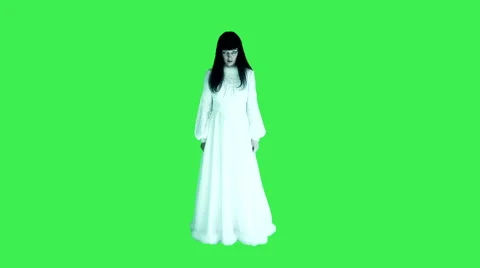
Horror scary woman in white dress isolated on green screen. Step 1: First of all, you need to create a composition in your editing tool and it can be done by simply dragging the desired video clip over composition icon available on screen. Note that, it is possible to send video footage to After Effect using a dynamic Link from CC or CS6. Step 2: Now go to the Effects and Presets option on After Effects window and from the drop down menu you have to apply 'keylight' to the video clip by simply using double click. Step 3: It is time to hit the eye dropper tool named as 'Screen Color' and then click on your image at specific green screen section. Step 4: Simply scroll down to find the 'Screen Matte' option and get it opened in the menu. Step 5: You need to adjust the 'Clip White' and 'Clip Black' settings till the time background section of your video goes completely black and the foreground becomes whiter. Try to reduce the spotting effect. Step 6: Again go to the view option and from drop down menu select 'Final Result'. Soon you will be able to find a cleaner Key. Step 7: Users can also make adjustments for 'Screen Shrink/Grow' settings that can help to get rid of rough edges.
Green Screen (Chroma Key) Video stock