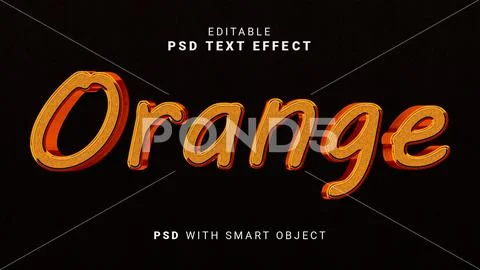
Description: Description: How to use this mockup?
When you open the PSD file, you will see a layer called "Your text here (double click)" in the main folder, double click the smart object icon and place your own design to the newly opened tab, and save the tab when closing.
When you open the PSD file, you will see a layer called "Your text here (double click)" in the main folder, double click the smart object icon and place your own design to the newly opened tab, and save the tab when closing.